# Data Storage
When you launch the application the first time, you will be able to set the directory where you want to store your AppFlowy data. Click on `Set` to open the file explorer and choose your preferred path. In the example below, the data will be stored under G:\My Drive\05 Notes. Then click Quick Start.
If you can't decide at the moment, simply click Quick Start without changing the data directory. You will be able to change it in the application.
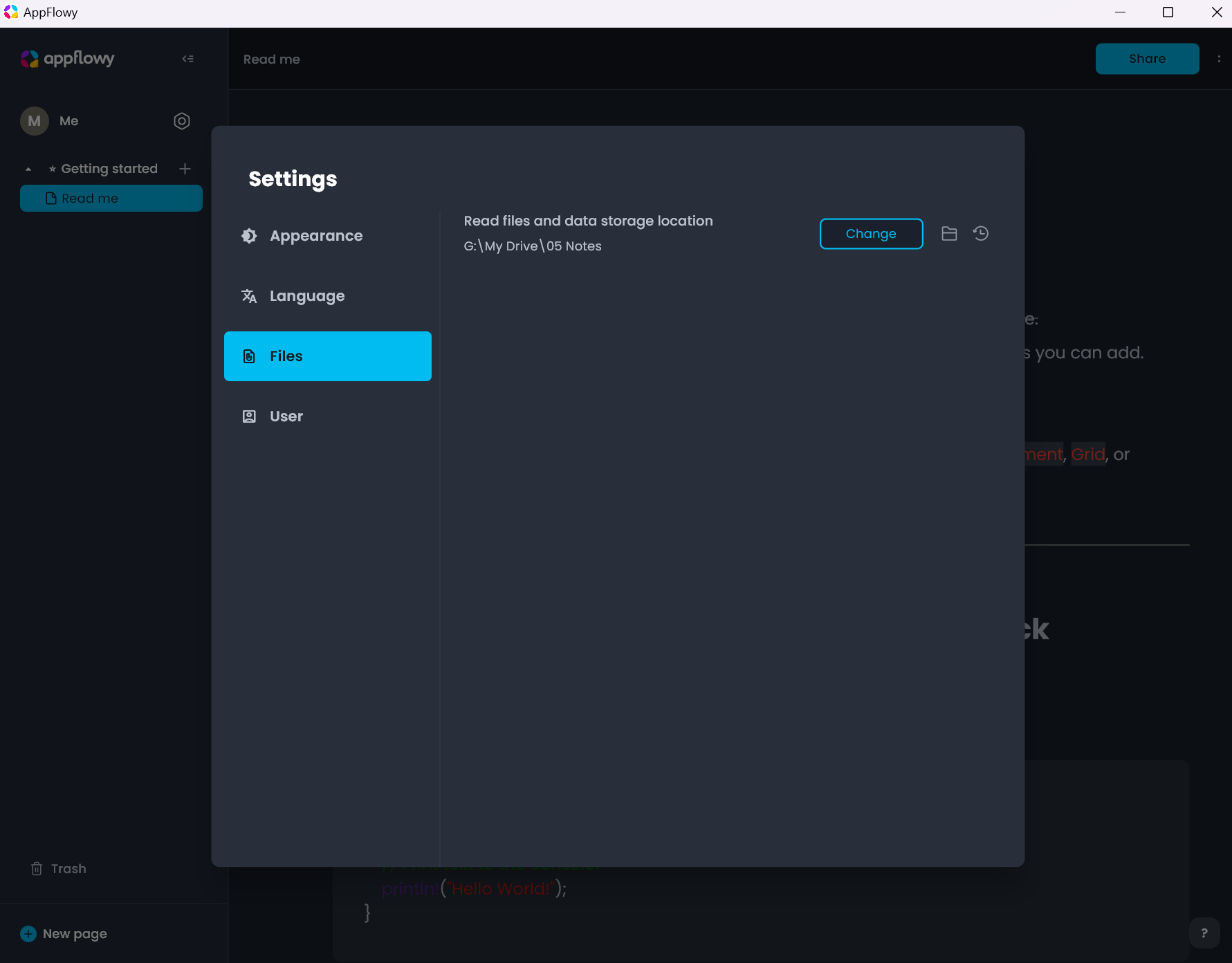
You can always verify where your data is stored by going to Settings --> Files
To open another AppFlowy data folder, click on `Change` and choose your target folder.